
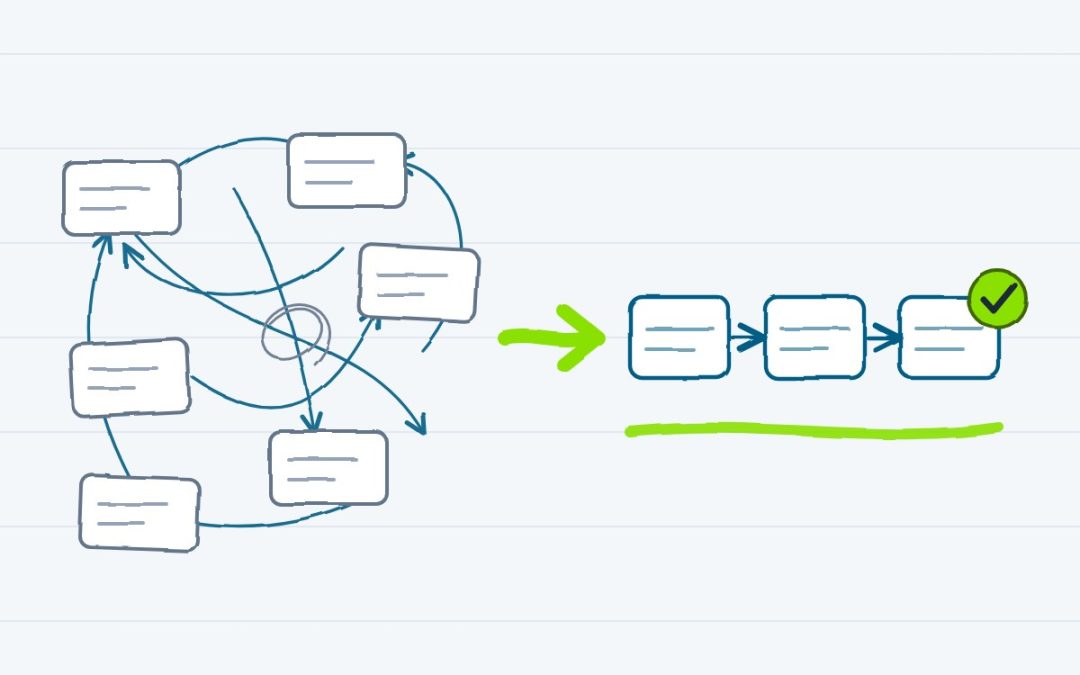
Most process documents get written once and never opened again. They run too long, they go out of date within a few months, or they describe how the work is supposed to happen instead of how it really happens. People stop trusting them and go back to asking the one colleague who knows.
This guide covers how to document business processes so the result stays useful: what to write down first, how to find out what people really do, and how to keep the document from going stale.
Why bother writing processes down
Three reasons come up again and again. New people learn faster when they can follow written steps instead of shadowing a colleague for weeks. The work gets done the same way no matter who does it, so quality stops depending on who happens to be at the desk. And you can only improve or automate a process you can see. When it lives in someone’s head, it is hard to fix and hard to hand over.
Step 1: Pick one process to start with
Do not try to document the whole company. Pick a process that is repeated often, causes mistakes, or depends on one person. Invoicing, setting up a new customer, and handling a support request are common first choices. One finished, useful document does more for you than ten half-written ones.
Step 2: Find out how the work really happens
Do not write it from memory. Sit with the person who does the work, or watch them do it once, and write down what they actually do. Ask about the workarounds: the spreadsheet on the side, the email they send to double-check, the step the old manual never mentioned. Those are often the most valuable parts, and they never make it into a document written from an office
Step 3: Write it in plain steps
Keep each step to one action. For every step, say who does it and how they know it is finished. Use short sentences. If a screenshot saves three lines of explanation, use the screenshot. If a step has an exception, such as a second approval for large orders, put the exception right next to the step, not on page six. Aim for one page per process. If it needs more, it is probably two processes.
What a finished process looks like
Here is a short example: approving a purchase request.
1. Employee fills in the request form with the item, the price and the quote. Done when the form is submitted.
2. Manager reviews the request within two working days. Done when it is marked approved or sent back with a reason.
3. Finance checks the budget. Done when the budget code is added.
4. Purchasing places the order. Done when the order number is added to the request.
5. The employee is notified. Done when they confirm they received the item.
Step 4: Test it with someone who is new
Give the document to a person who has never done the process and ask them to follow it without help. Watch where they hesitate or ask a question. Each of those spots is a gap in the document. Fix them and test again. This is the step most people skip, and it is the one that tells you whether the document works.
Step 5: Put it where people will find it
A folder of PDFs that nobody can search is where manuals go to be forgotten. Keep your processes in one place that people can search, open from a phone or a computer, and update in minutes. If you would like help setting that up, see our organizational manuals service.
Step 6: Keep it current
Give every process an owner and a review date. The owner does not have to rewrite anything. Their job is to say, once or twice a year, “this still matches how we work” or “this changed.” An out-of-date document is worse than none, because people follow it and get it wrong.
Common mistakes
Writing the manual from memory in an office.
Making it too long to read.
Naming no owner, so nobody ever updates it.
When documenting leads to improving or automating
Once a process is written down, waste becomes easy to spot: the step nobody needs, the handoff that always stalls, the same data typed in twice. That is the moment to decide whether to simplify the process or let software do part of it. Do them in that order if you can. Automating a messy process only makes the mess faster.
If documenting your processes feels like too big a project to start alone, we can help. Get in touch for a short conversation about the one that matters most.